



Steps to Log in
-
Locate cPanel Access in Client Area
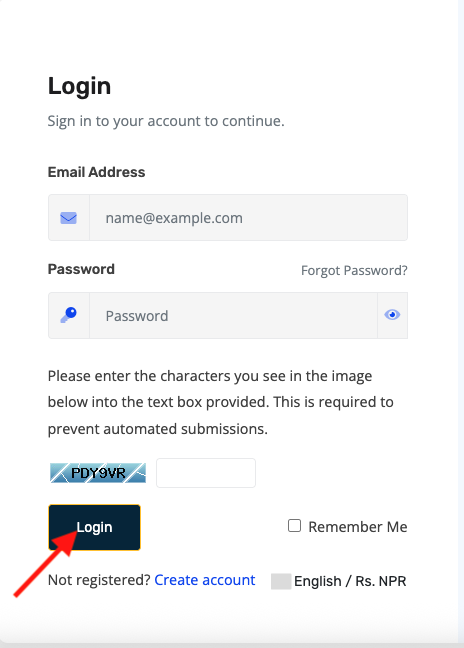
- Log in to your PrabhuHost Client Area: https://portal.prabhuhost.com/clientarea
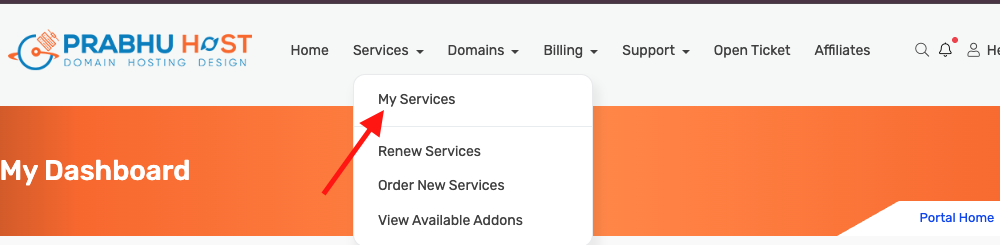
- Navigate to Services → My Services.
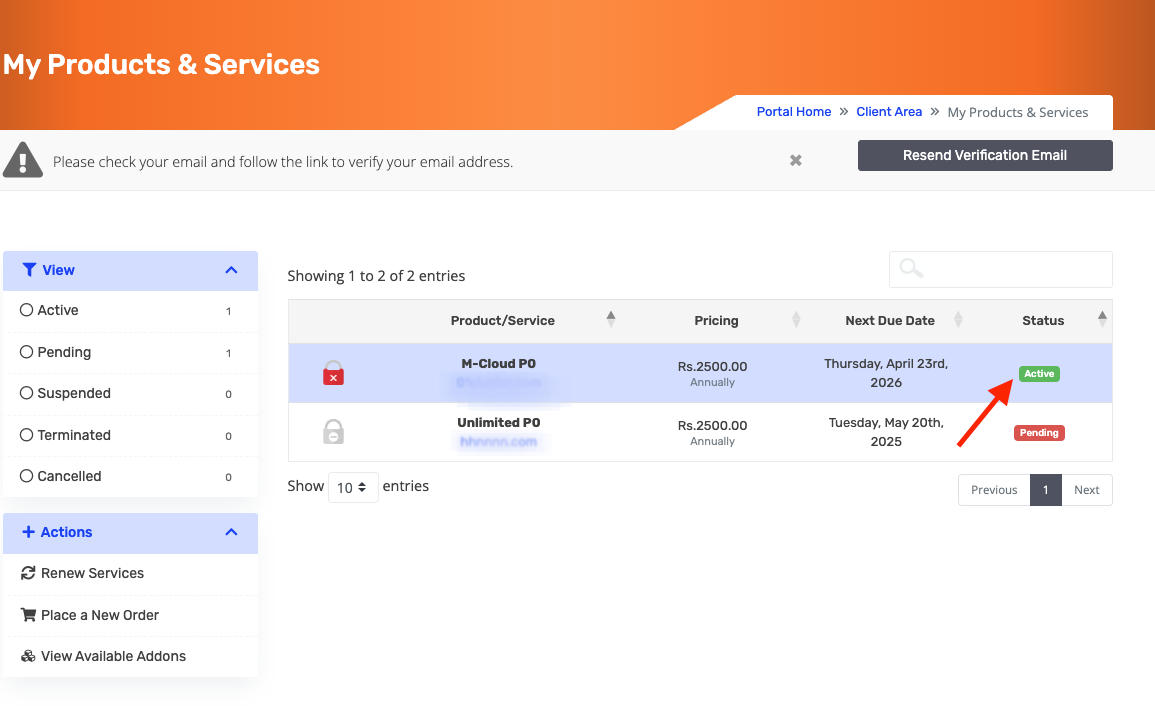
- Click the hosting account you want to access.
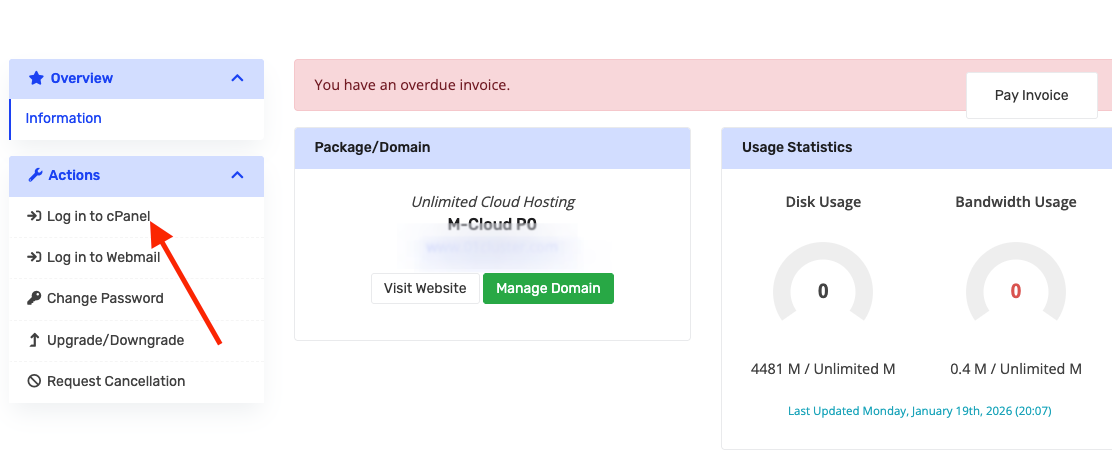
- Look for the “cPanel Login” button.
-
-
Direct cPanel Login (Optional)
- You can also log in directly.
- Enter your cPanel username and password.
- Click Log in.

- Tips & Notes:
-
Ensure your domain is active and pointing to the server before logging in directly.
-
Use a secure network while accessing cPanel.
-
Logging in via the Client Area automatically bypasses password issues, so it’s the recommended method.
