



You can easily update your domain contact details directly from your Client Area by following these steps:
Step 1: Log in to your Client Area
- Go to:https://portal.prabhuhost.com/clientarea.php
- Enter your login credentials.
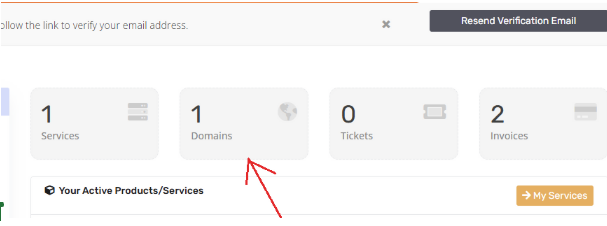
Step : Navigate to My Domains
- Once logged in, go to My Domains from the dashboard menu.
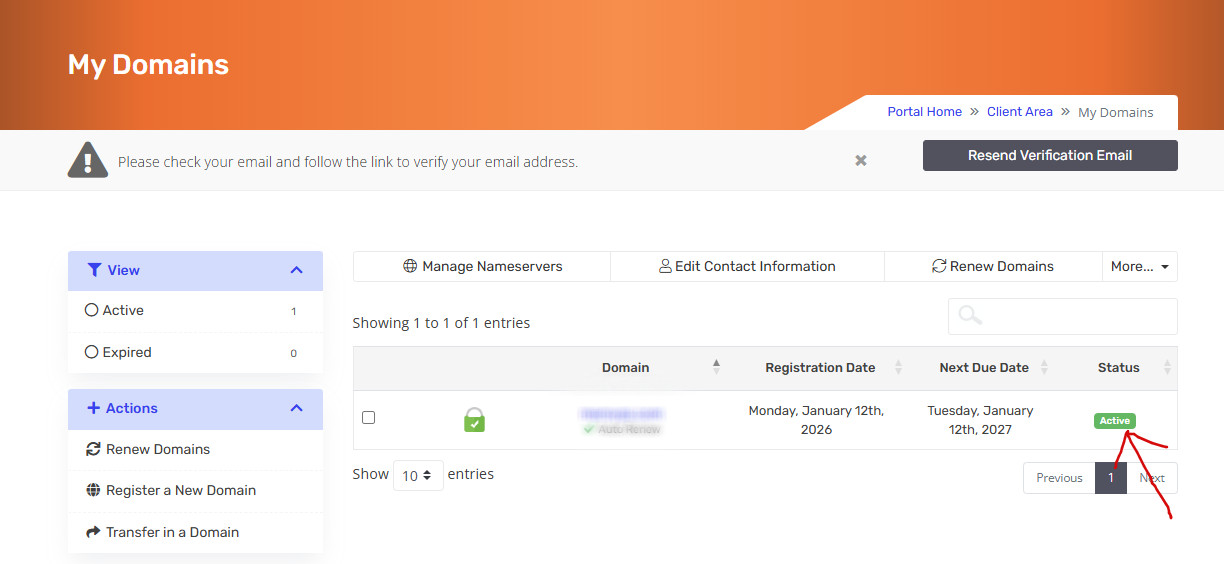
Step 3: Select Your Domain
- Click on the domain name you want to update.
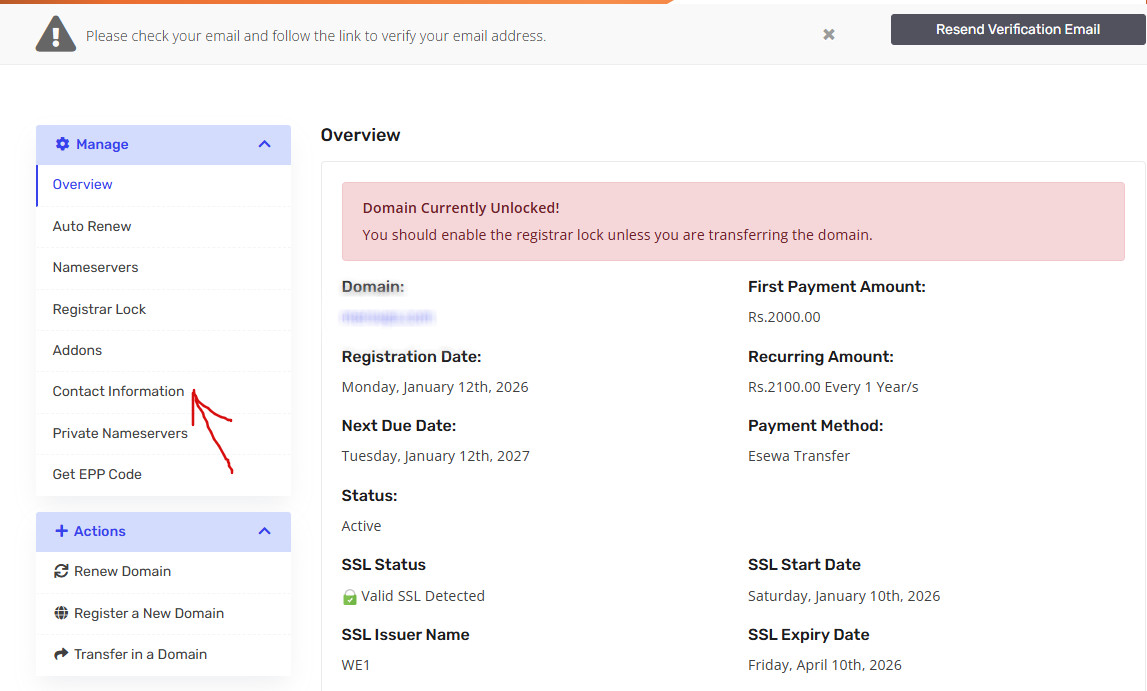
Step 4: Access Contact Information
- Click Contact Information.
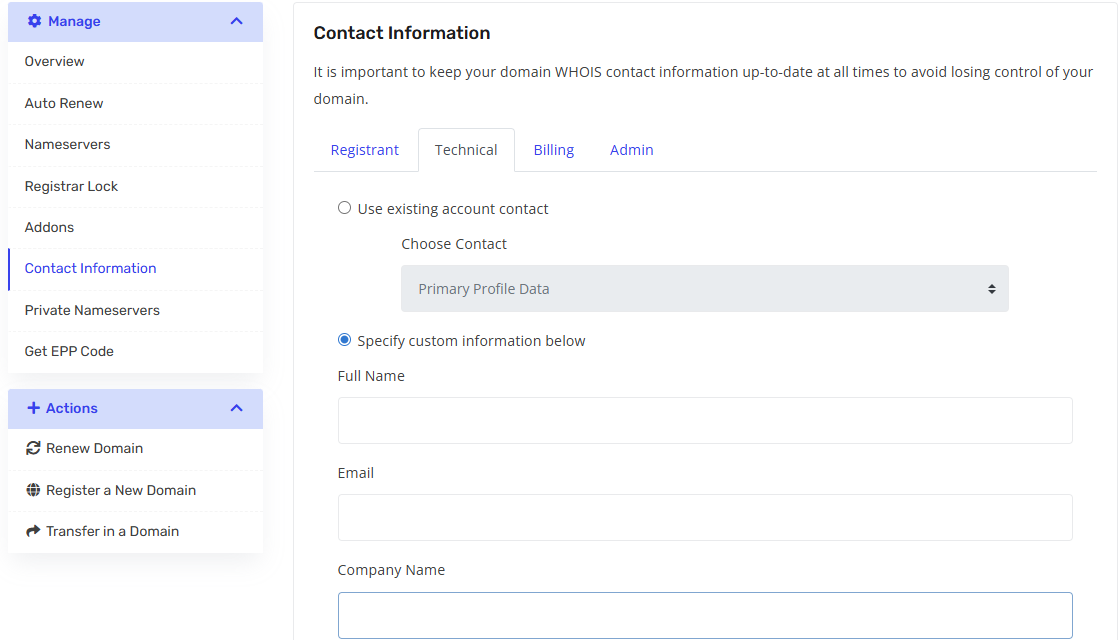
Step 5: Update the Details
- You can update the following sections:
- Registrant
- Admin
- Technical
- Billing
- Registrant
- Enter the new information as required.
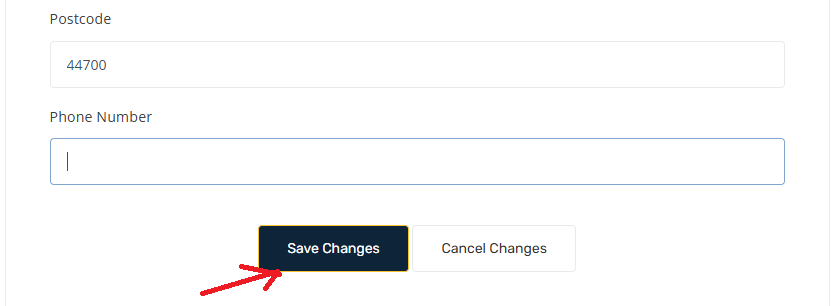
Step 6: Save Changes
- After updating the details, click Save Changes.
Note: After updating your WHOIS contact information, it may take up to 6 hours for the changes to reflect across all systems and public WHOIS records.
